Stream Hunt Bot Setup Checklist for New Streamers
A practical setup checklist that helps new streamers launch Stream Hunt Bot quickly while avoiding common onboarding mistakes.
Related resources: Twitch chat-bot features · TCG collection setup FAQ · About our Twitch bot
Why A Setup Checklist Matters
Most setup issues are not caused by one major mistake. They usually come from small steps being skipped in the wrong order.
Using a checklist helps streamers get from install to first hunt with fewer interruptions and better first impressions for viewers.
Step 1: Join The Channel And Pick A Starter Collection
Invite the bot to your channel from admin first, then choose a collection with clear item names and balanced rarity for your audience size.
A compact starter collection is usually better than a massive list because viewers can feel progress quickly in early streams.
Step 2: Configure Catch Mode And Limits
Pick chat command mode if you want low friction participation, or channel points mode if you want tighter pacing and redemption-driven moments.
Set cooldown and per-stream limits intentionally so hunts support your content instead of overwhelming conversation.
Step 3: Test The Full Viewer Loop
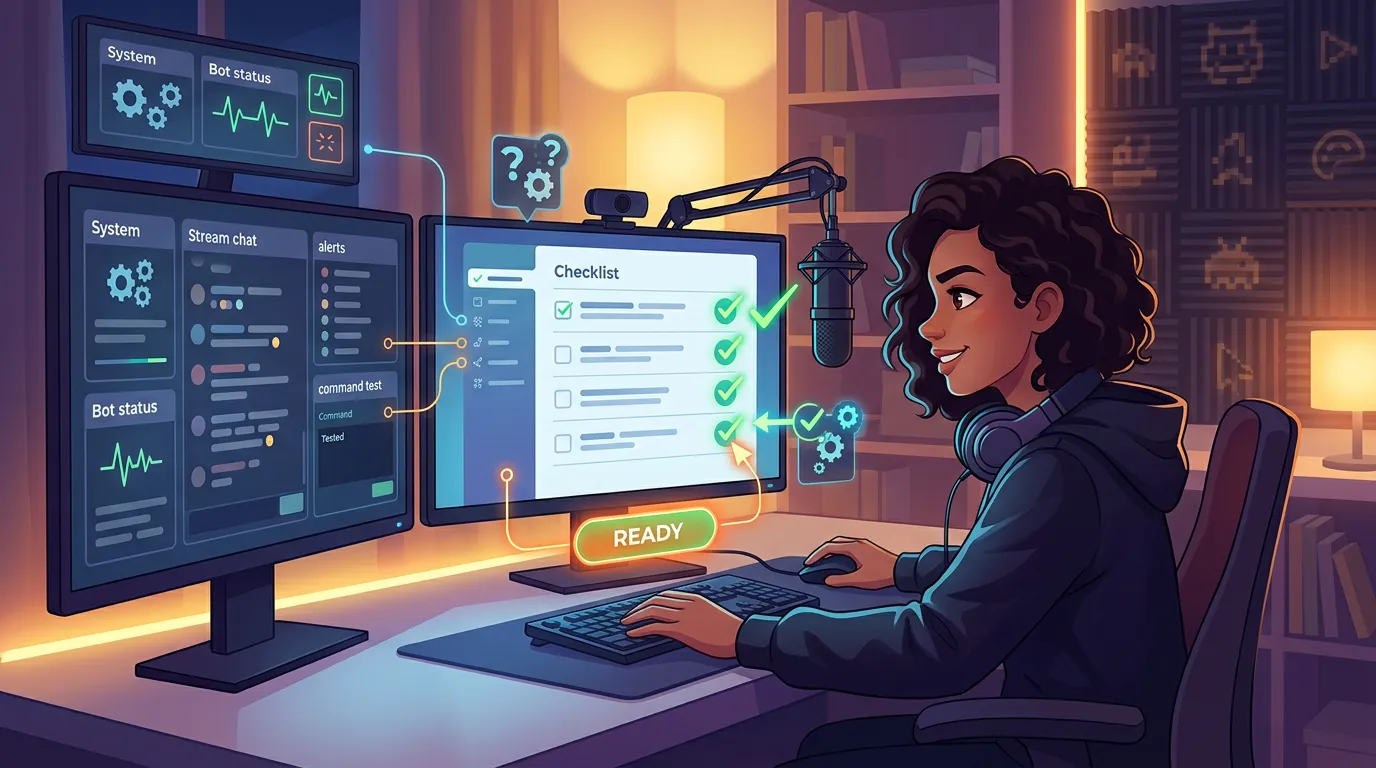
Run a private test flow with your own account: start hunt, catch attempts, target rotation, and viewer collection page verification.
You can test directly in your chat before going live to confirm everything is working.
This test confirms that what streamers and viewers see in live chat matches your configured commands and response templates.
Final Pre-Stream Review
Create a simple pre-go-live checklist you can reuse before every stream: bot status, active collection, hunt commands, and channel point reward state.
That repeatable workflow reduces stress and keeps your engagement system reliable when live pressure is high.