
How to Run Weekly Themed Hunts Without Resetting Viewer Progress
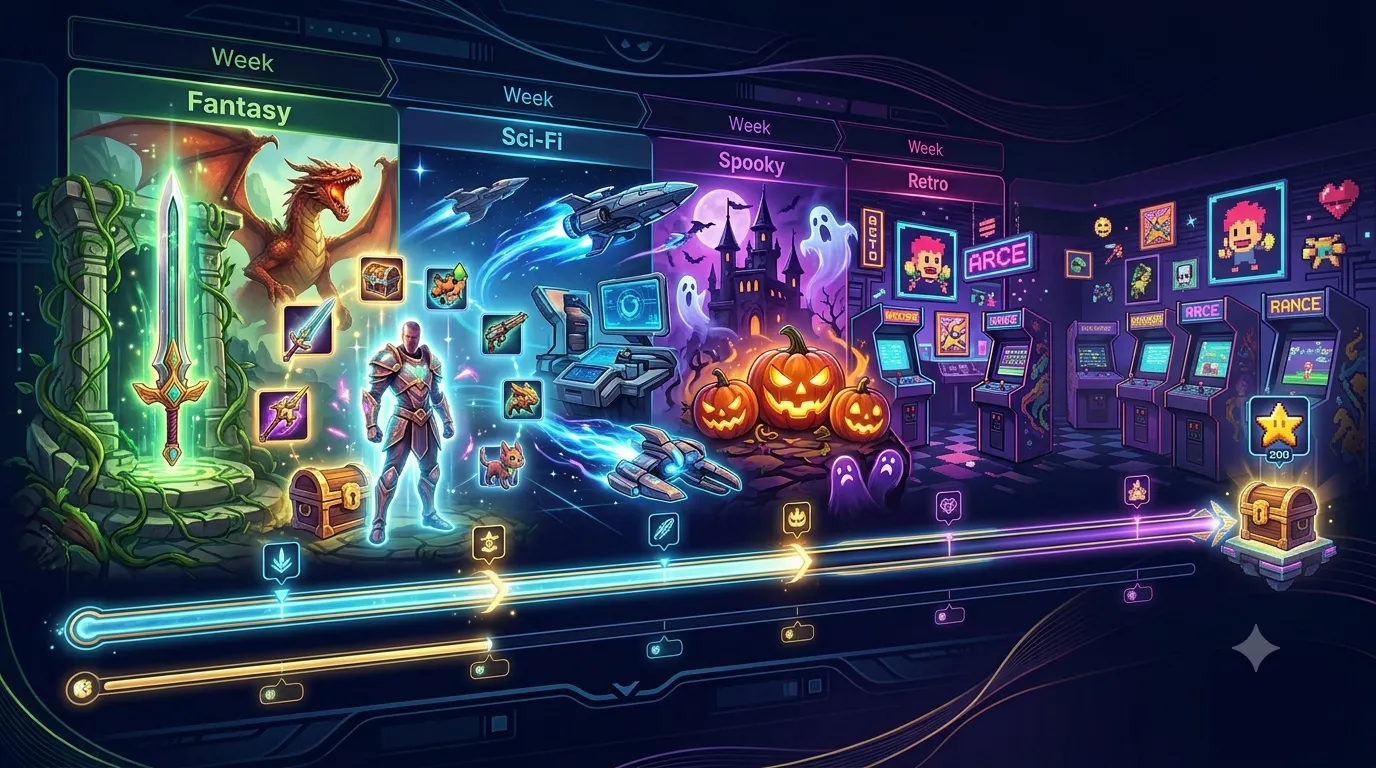
Use collection switching to run game-themed nights each week while preserving viewer progress separately per collection.
Related resources: Twitch chat-bot features · TCG collection setup FAQ · About our Twitch bot
The Weekly Theme Problem
Streamers often rotate games during the week and want engagement systems that fit each game identity.
Without collection switching, themed nights can feel disconnected or force awkward resets.
Collection Switching Solves It
With Stream Hunt Bot, you can switch active collections as often as needed without deleting previous collection progress.
That means Monday can use one set and Wednesday can use another while viewers keep both progress tracks.
Example Weekly Flow
Use a survival-game collection on one night and an RPG collection on another, then switch in admin before each stream starts.
At the end of each session, leave progress intact and simply reactivate the relevant collection next week.
Viewer Communication Tips
Tell chat which collection is active at stream start and include collection links in your bot responses.
Clear naming conventions like 'Monday Survival Set' help viewers immediately understand context.